Summary:
Law firms handle sensitive matter files every day, and they need clarity on which version is current and who can access it. A NetSuite document management system can keep all of those records and context together for law firms. In simple use cases, File Cabinet can cover basic storage, but it can fall short for firms with scalability requirements for growing records and archives. SkyDoc adds versioning, checkout, external access, approvals, and scalable S3-backed storage for more demanding legal workflows.
Key Takeaways:
Law firms can have every document they need at a first glance, but suffer from poor document control under the surface. The problem in their workflow usually shows up when someone opens the wrong draft or a confidential file reaches the wrong reviewer. It's a frustrating situation, but these concerns aren't uncommon.
Maintaining control over such sensitive matter files across different systems matters just as much as storing them securely. So, what should one look for when comparing document management platforms for law firms? We’ll go over the platform features that can help law firms protect their document workflows and gain control over access, revisions, and reviews.
Legal documents aren't ordinary business files. A contract, pleading, or settlement agreement can affect a client's case, the firm's billing, and its legal obligations. Most legal document problems fall into three areas: draft integrity, access, and context.
The ABA Model Rule 1.6 requires lawyers to make reasonable efforts to prevent unauthorized access to client information. If sensitive files are scattered across email threads and local folders, it makes those rules much harder to enforce consistently. Your firm should have clear rules about who can view, edit, approve, and share documents to manage these risks responsibly. That is why cloud-based document management for law firms needs controls around the file, not just a folder to store it.
Good document management platforms for law firms help teams address these problems as part of their daily work. When comparing cloud-based document management systems for law firms, look beyond storage capacity. Check how easily your team can find the right version, restrict access, and trace a document back to the matter it belongs to.
Think about how many people handle a single client matter. It might start with an engagement letter, move through several rounds of drafting and partner review, and eventually involve a client, co-counsel, or external reviewer.
Even after the matter closes, your team may need to retrieve the signed agreement or supporting records for billing, compliance, or a future review.
Each stage involves different documents, and each calls for different controls.
The challenge is keeping these files connected as work moves between teams.
For example, your finance team might need a signed retainer to resolve a billing query months after the engagement began. If the document is attached to the relevant NetSuite record, they can find it without asking the legal team to search through old correspondence. That's why when documents stay connected to the records and workflows they support, your team spends less time retracing its steps.
A legal document can go through several revisions before anyone signs off on it. Contracts, pleadings, legal opinions, and settlement agreements may all pass between associates, partners, clients, and external counsel. But what happens when two people make changes to the same document? Or when someone sends an earlier draft after a newer version has already been approved?
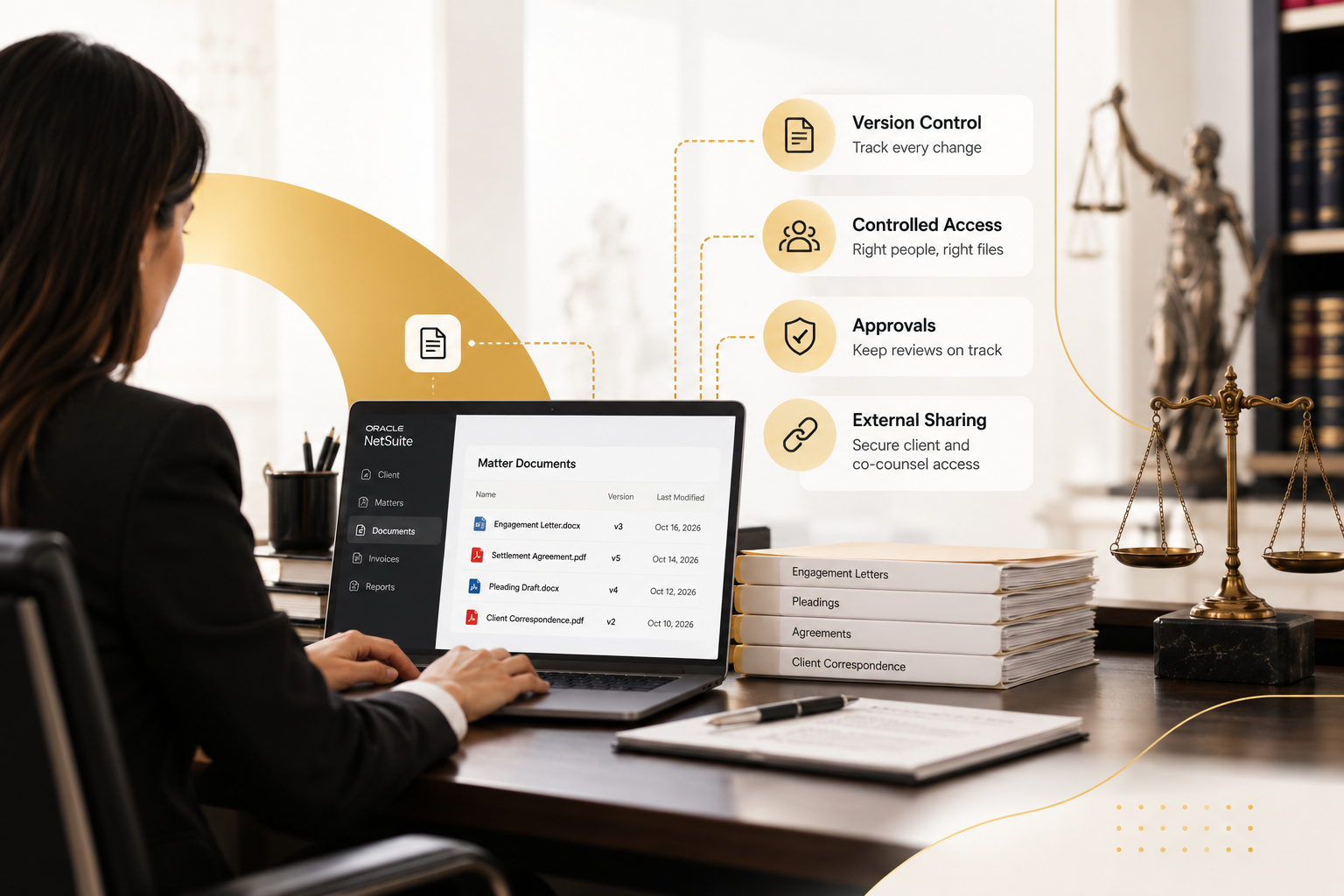
File checkout helps by locking an active document while one user works on it. That reduces overlapping edits and accidental overwrites across a busy practice group. Version history solves the other half of the problem. Instead of replacing an older draft completely, the firm can go back and see how the document changed over time.
These features help during partner review, client questions, disputes, and internal audits. At the end of the day, good document management solutions should make the current version clear without sacrificing the history behind it.
Not everyone who works in NetSuite needs access to the same legal files. A litigation team may need pleadings, correspondence, and supporting evidence while client or co-counsel may need access to one narrow set of documents for review.
Cloud-based document management systems for law firms should let you reflect those differences. Role-based access alongside strict external sharing limits can replace relying on broad folder permissions.
Audit history matters here too. Legal and IT teams should be able to see important actions such as uploads, edits, approvals, and external sharing. That gives the firm a clearer record of how a sensitive document moved through the matter and who interacted with it.
The goal is not to make access restrictive for its own sake. It is to give each user enough access to do their job without exposing the rest of the matter unnecessarily.
NetSuite can manage client records, projects, transactions, invoices, and billing information. But if your firm also uses it to support legal operations, simply attaching files to those records may not give you the document controls you need.
Consider an engagement letter. You might store it against a customer record, but your team still needs to know which version was approved, who can access it, and whether anyone has made changes since it was signed. Here's where those connections matter most:
This matters when comparing document management platforms for law firms. A tool might organize your documents well, but if your team has to leave NetSuite every time it needs a file related to an invoice or client record, you're still adding steps to the process. Cloud-based document management for law firms should make these everyday tasks easier while keeping the connection between documents and the business records they support.
SkyDoc by Tvarana is a NetSuite-native document management SuiteApp that helps firms keep legal documents connected to their NetSuite records. Instead of managing files in a separate folder system, your team can access the documents associated with a record through a dedicated tab inside NetSuite. SkyDoc uses Amazon S3-backed storage, so firms can also manage growing document volumes without relying entirely on NetSuite's native file storage.
For legal teams, some of its most practical features are:
Your firm still needs to define its own access rules, approval responsibilities, and document retention policies. But having the tools available within your NetSuite workflows makes those processes easier to manage.
Managing legal documents involves much more than keeping files in the right folders. Your team needs to find the correct draft, know who approved it, control who can access it, and retrieve supporting records whenever they're needed.
When you compare document management platforms for law firms, start with the everyday situations your team handles. Make sure your chosen platform can:
If your firm already uses NetSuite, SkyDoc can help you bring these controls into your existing workflows. With file versioning, approvals, external sharing, and scalable storage, your team can spend less time managing documents manually while maintaining control over sensitive matter files.
Want to see how it would work for your firm? Contact Tvarana to discuss your current document workflows and explore how SkyDoc can help you manage legal files inside NetSuite.



Tvarana is an award-winning
Oracle NetSuite Consulting Firm
and an SDN partner.
info@tvarana.com